Text Output
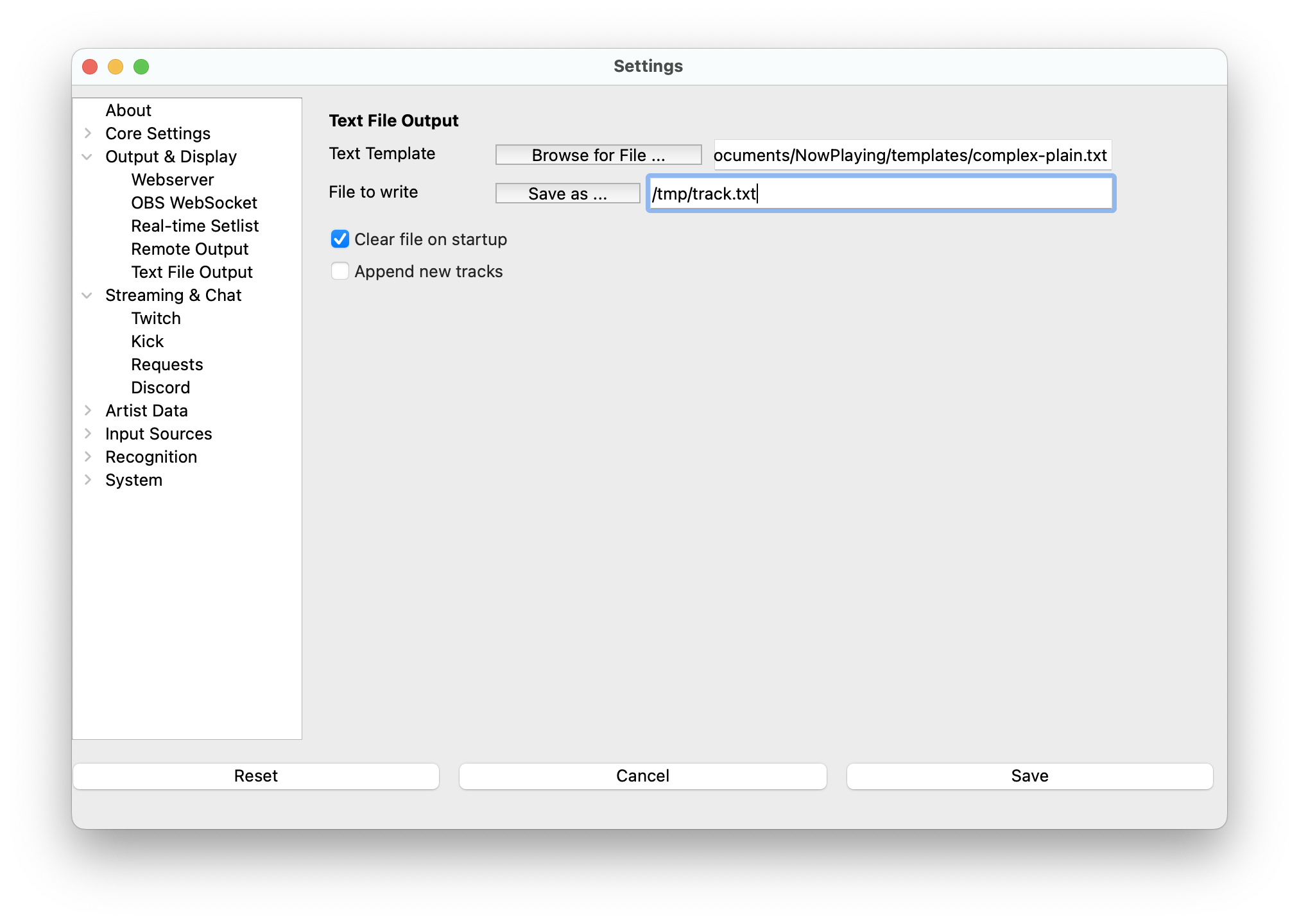
A simple output method that just writes a template to a file and writes the entire setlist on exit.
- Text Template - The Jinja2 template file that will be used when the song updates. See Templates for more information.
- File to write - Name of the file where the app will write the track information. You can either pick a pre-existing file or the name of a new file.
- Clear file on startup - Empty the file when What's Now Playing is launched.
- Append new track - Keep adding new tracks to the file rather than replace the content.
- Enable setlists - Setting this option will create a file in the WhatsNowPlaying/setlists directory when What's Now Playing is shut down of all of the tracks that were played as a GitHub-flavored markdown table.
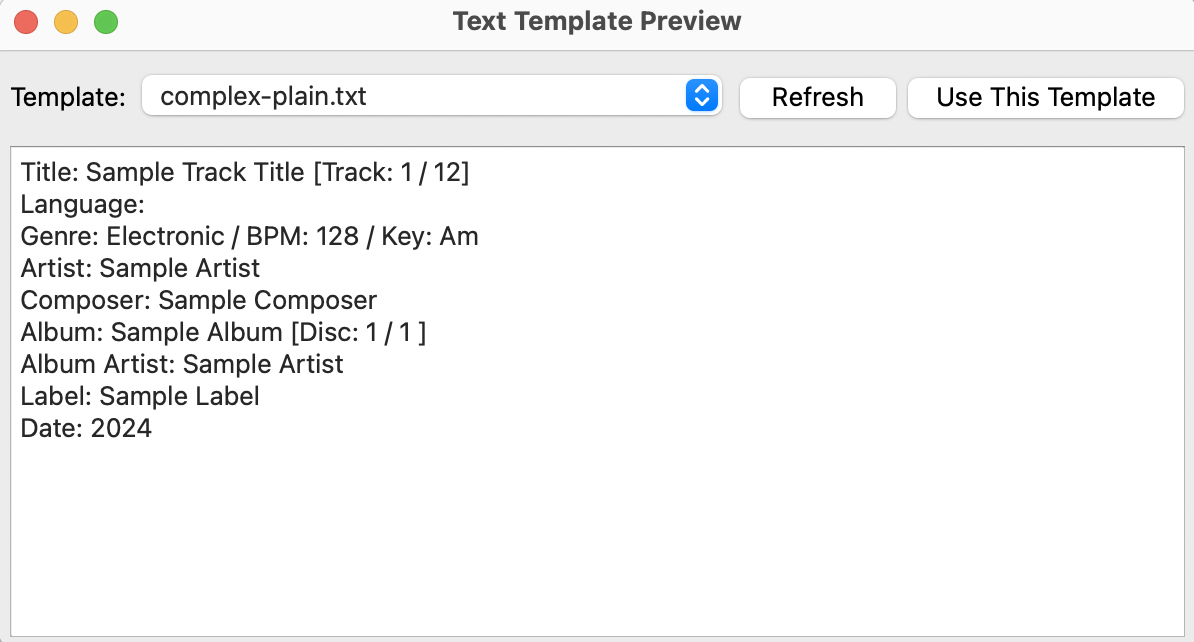
Template Preview
Click the Preview button next to the Text Template field to open a preview of the rendered output using sample metadata. Use the template dropdown to browse available templates, then click Use This Template to apply your selection back to the Text Template setting.