Icecast
Icecast is a popular system to stream audio over the Internet. This page also covers MIXXX and butt. Traktor broadcasts over Icecast too, but has its own page because What's Now Playing reads Traktor's local database as well as the stream.
NOTE: This source does not support Oldest mix mode.
Icecast is best for:
- Software without dedicated What's Now Playing support (like MIXXX)
- Generic audio streaming applications (like butt)
- Custom setups where other inputs don't work
Audio Format
Set the broadcast format to Ogg Vorbis or Ogg Opus. Track data is read out of the tags carried inside the stream itself, and only Ogg carries them in a form What's Now Playing can read.
MP3 and other formats still connect, but no track data comes from the audio. Metadata then arrives only if the broadcaster separately sends it, which not every application does. When the stream is not Ogg, the log says so once:
icecast: stream carries no Ogg pages (MP3?); track data can only
arrive via /admin/metadata updates from this source
The bitrate does not matter for metadata, so a low setting such as 32 kbps mono is enough if this stream is only feeding What's Now Playing.
Instructions
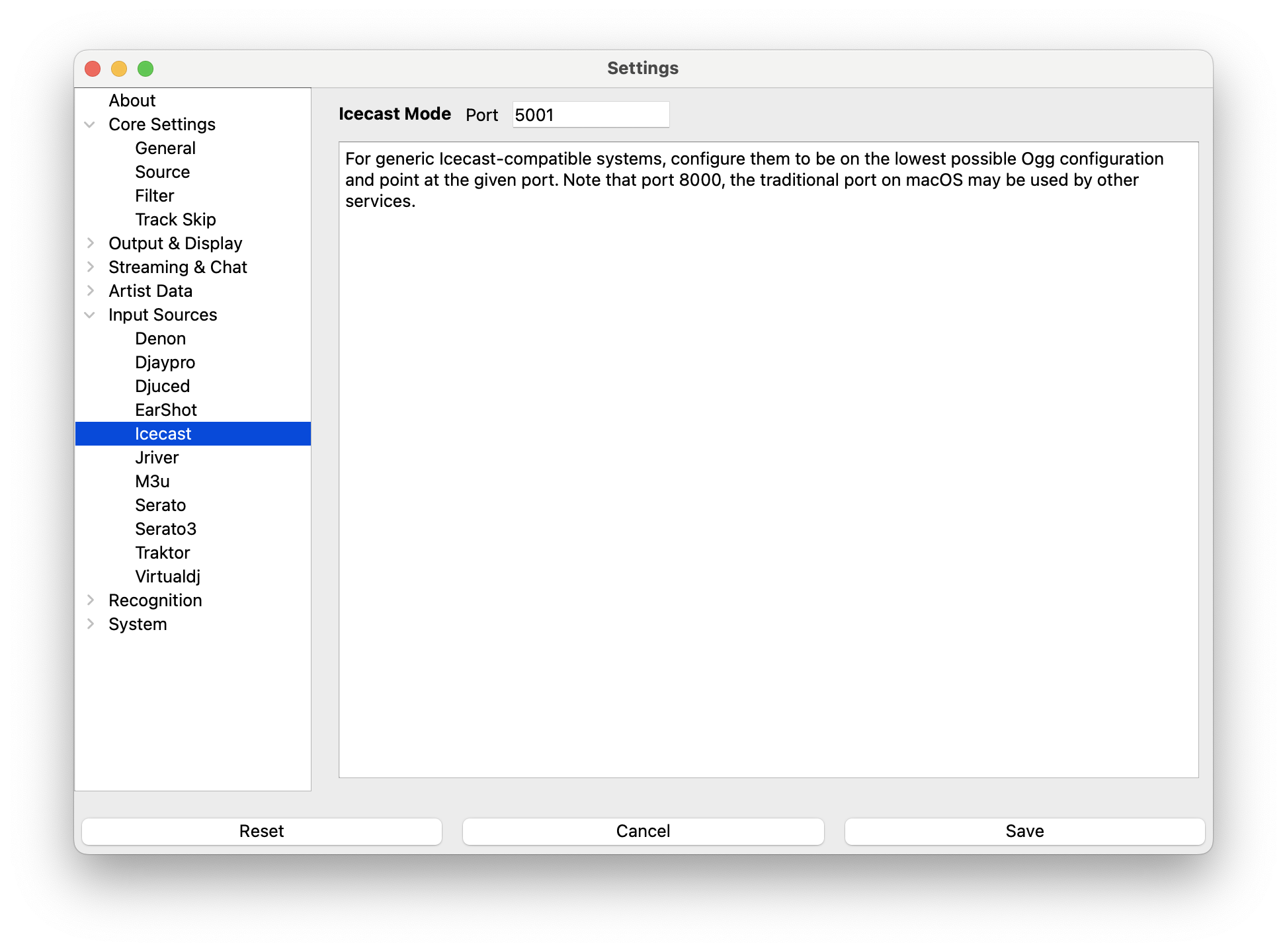
- Open Settings from the What's Now Playing icon
- Select Core Settings->Source from the left-hand column
- Select Icecast from the list of available input sources
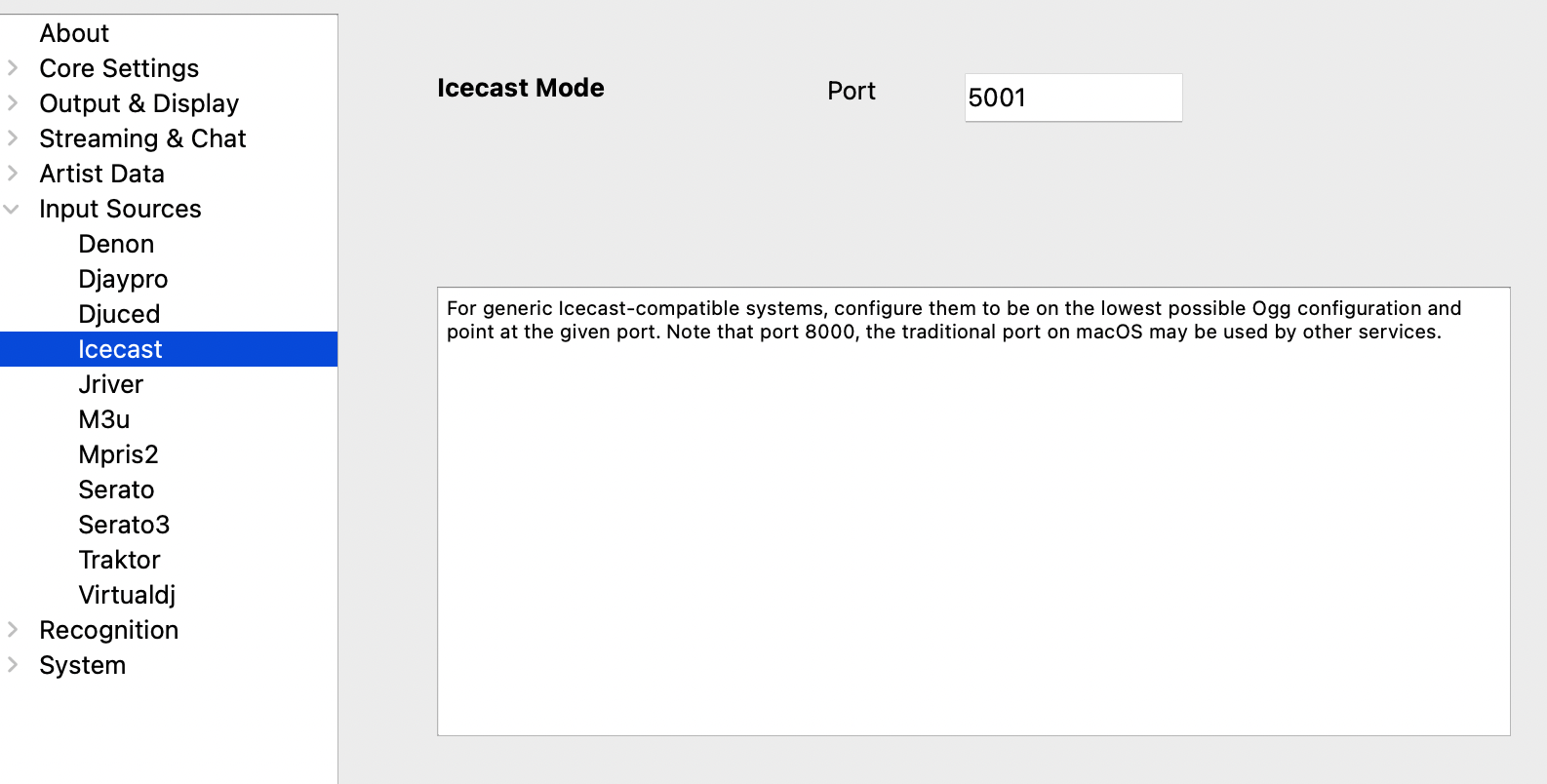
- Select Input Sources->Icecast from the left-hand column
- If necessary, change the port from 8000 to another port, such as 5001. (Hint: port 8000 appears to be used on macOS.)
- Click Save
- If you changed the Icecast port, restart What's Now Playing
Settings For MIXXX
NOTE: MIXXX allows for significant screen customization. These images come from the 'Late Night' setting. Your display may be different.
- Configure What's Now Playing as above
- In Preferences, go to Live Broadcasting
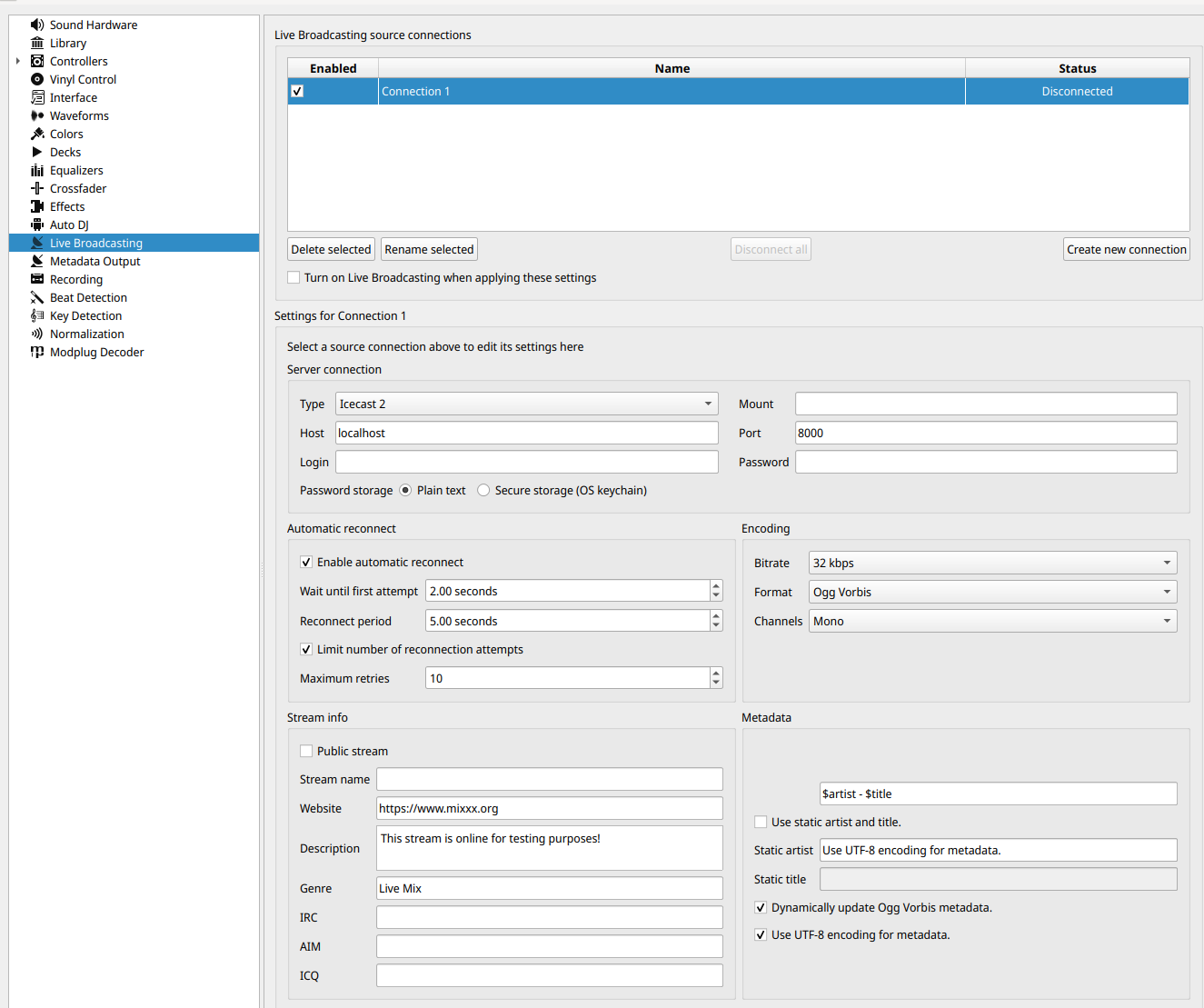
- Under Server Connection:
- Set the address to 127.0.0.1 for the same machine, otherwise change to the IP address of the machine that is running What's Now Playing. (HINT: IP Address is visible on What's Now Playing's Webserver setting page)
- Change the Port to match the port in What's Now Playing's Iceast settings page.
- Under Encoding, change the format to be 32 kbps, Ogg Vorbis, Mono.
- Select 'OK' to exit Preferences
- Back on the main MIXXX screen, activate Icecast broadcasting:

- Click the 'On-Air' option. It may appear as above or as an antenna.
- It should change to a solid color, usually green. On error (there is usually a pop-up window), double check all settings in What's Now Playing and MIXXX to make sure they match.
Settings for butt
Under Audio, be sure that Ogg Vorbis is selected:
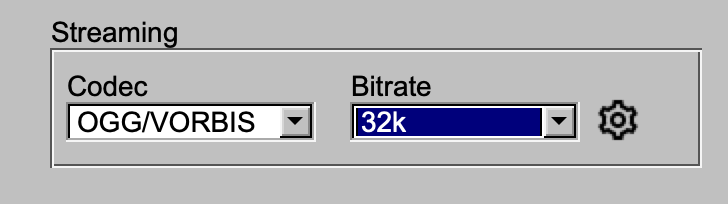
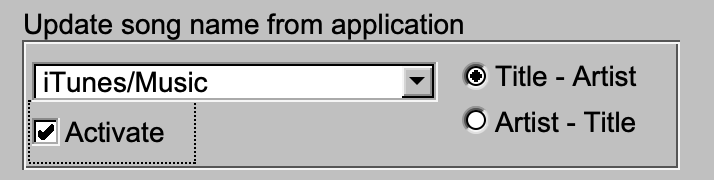
Under Stream, if using the 'Update song name from application', be sure to use 'Title - Artist' mode.